
- Getting Started
- Industry Workflows
- Training
- Features
- Effects
-
Plugins
- AG Core
- AstuteBuddy
- Autosaviour
- ColliderScribe
- DirectPrefs
- DynamicSketch
- FindReplace
- InkFlow
- InkQuest
- InkScribe
- MirrorMe
- Phantasm
- Randomino
- Rasterino
- Reform
- Stipplism
- Stylism
-
SubScribe
- Getting Started
- Circle by Points Tool
- Tangent Circle Tool
- Curvature Circle Tool
- Arc by Points Tool
- Tangent Line Tool
- Perpendicular Line Tool
- Connect Tool
- Straighten Tool
- Lock Unlock Tool
- Orient Tool
- Quick Orient Tool
- Orient Transform Tool
- AG Layer Comps Panel
- Art Switcher Panel
- Gradiator Panel
- Gradient Forge Panel
- AG Color Select Tool
- Color Stamp
- Gradient From Art
- Pixels to Vector
- QuickOps
- Texturino
- VectorFirstAid
- VectorScribe
- WidthScribe
- Scripts
- FAQs
- Updates
- Team Licensing
- Reseller Licensing
- Astute Manager
Activity logs for AM Pro Enterprise Teams
Please note that this feature exists only as part of AM Pro Enterprise Team plans, and is not available in AM Pro Free or AM Pro Premium plans.
AM Pro Activity Logs are available as one of Astute Manager Pro’s Enterprise Team features. They a clear record of all administrative and storage changes made to a team account.
A look at the Activity log will tell you:
When a change was made
What that change was
Who made the change
As it isn’t productivity tracking software, it will not monitor, track, or analyse workflows or creative activity in Adobe Illustrator or elsewhere. The log simply provides a chronologically dated and time-stamped activity feed on events such as:
Changed roles (e.g. from Team Member to Team Manager)
Member invites and revocations
Moved members
Seat quantity changes
Changes to the subscription
Pack updates
Pack installation or removal
Any cloud storage connections added or removed
Admin modifications made to managed assets, and so on…..
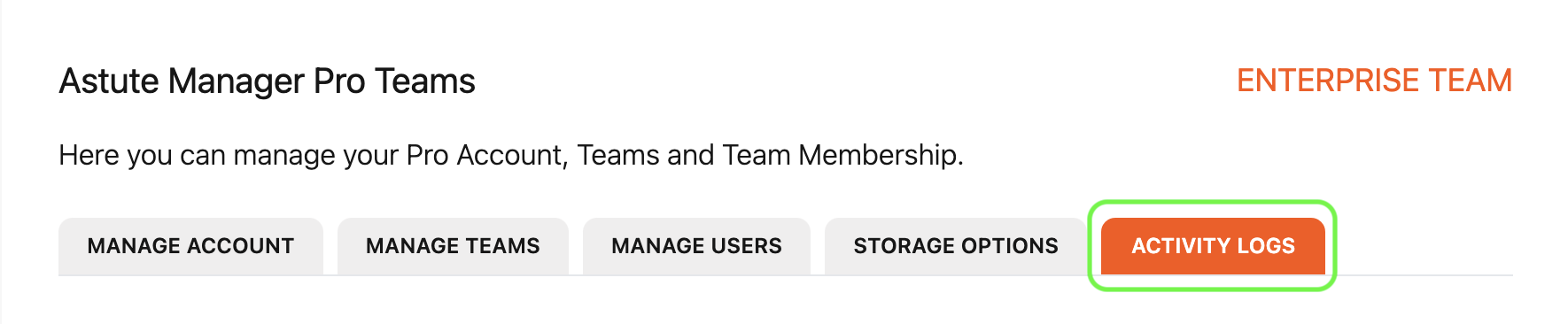
To find the activity log, go to AM Pro Teams and select ACTIVITY LOGS from the tab at the top.
You can then choose to view either:
Asset packs activity
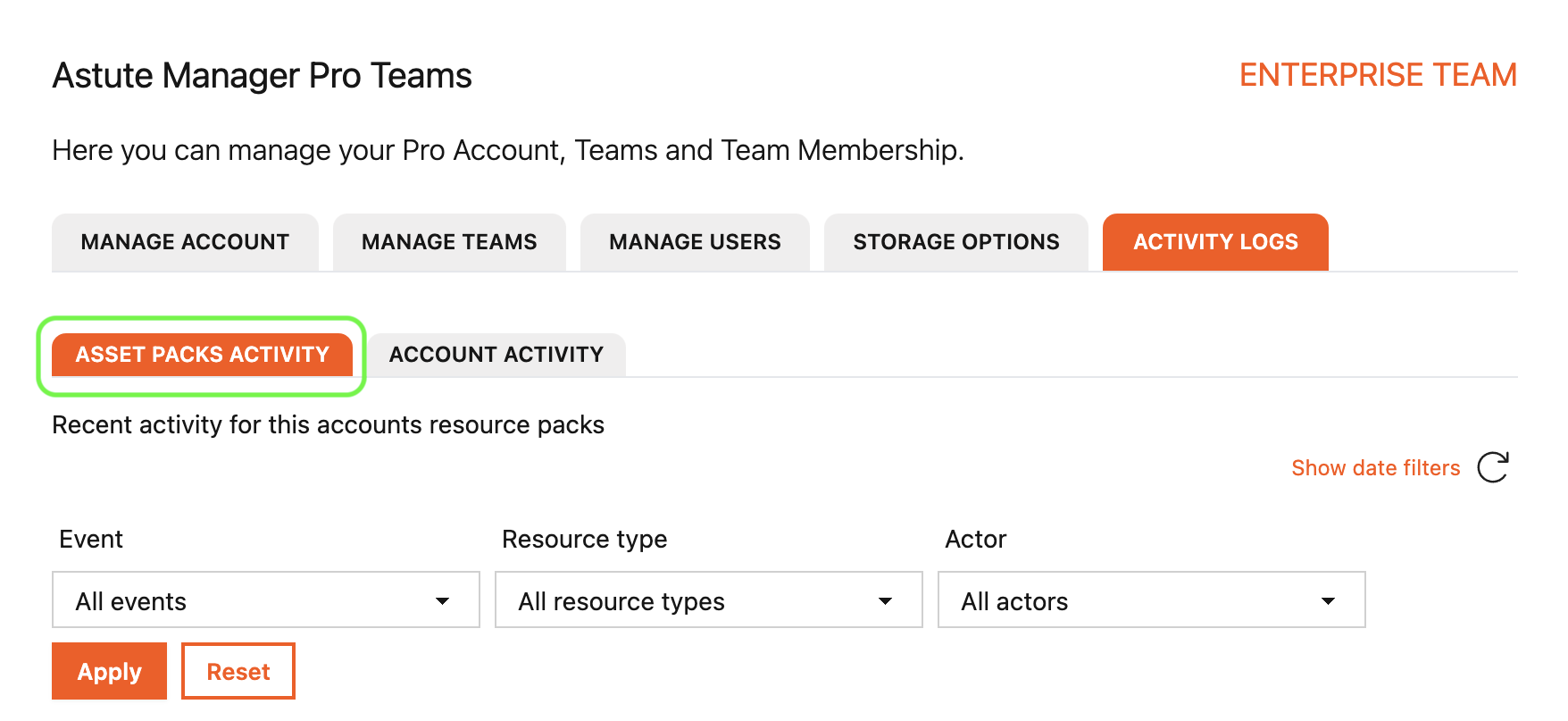
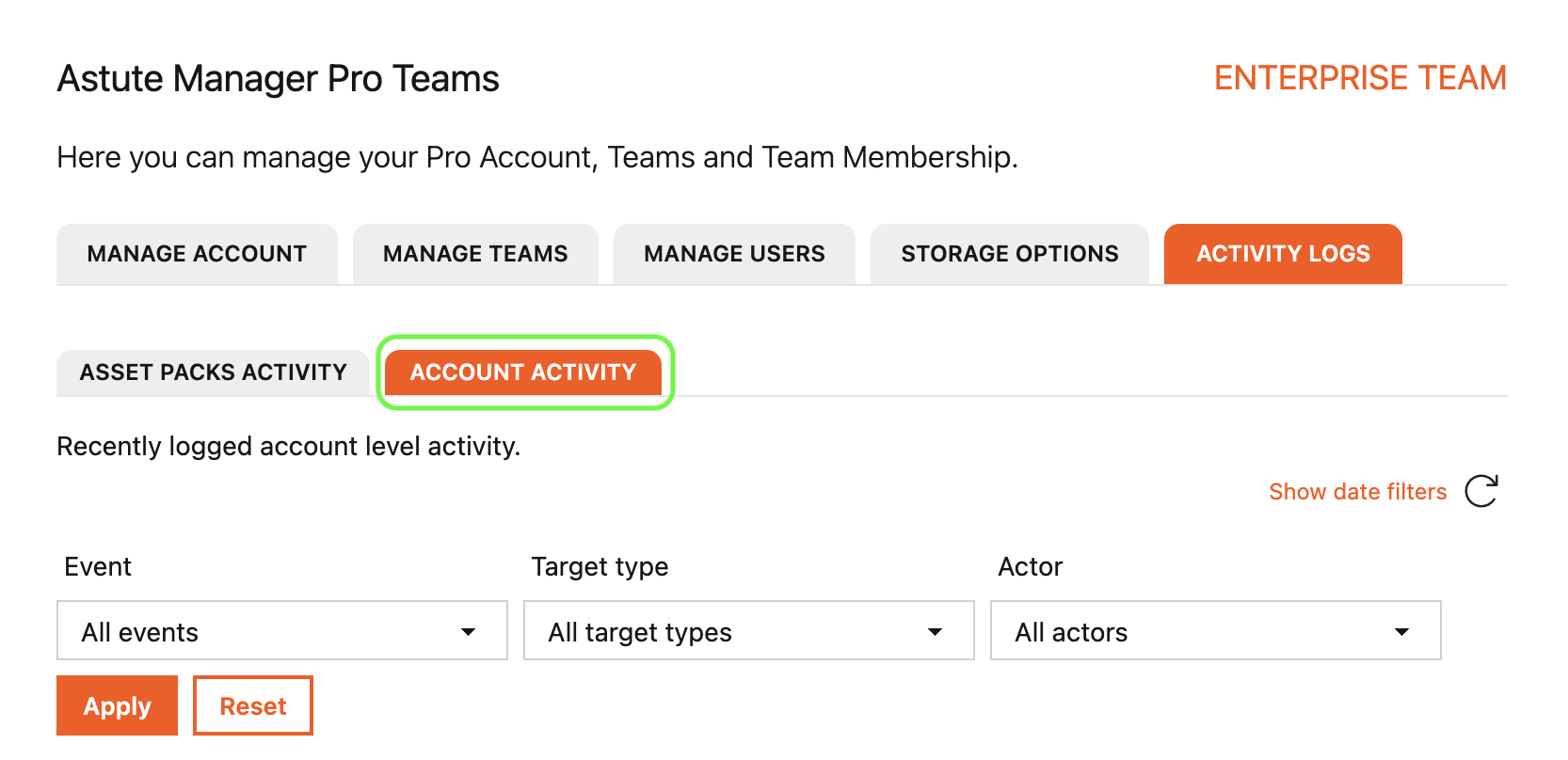
Or Account activity
If for example, you wanted to find out if any asset packs have been updated recently, by which users, and at what time. You would select:
Activity logs >
Asset packs activity >
Resource pack updated >
Team >
All actors >
Apply >
You can then click Show details for more information on the specific event that you want to view.
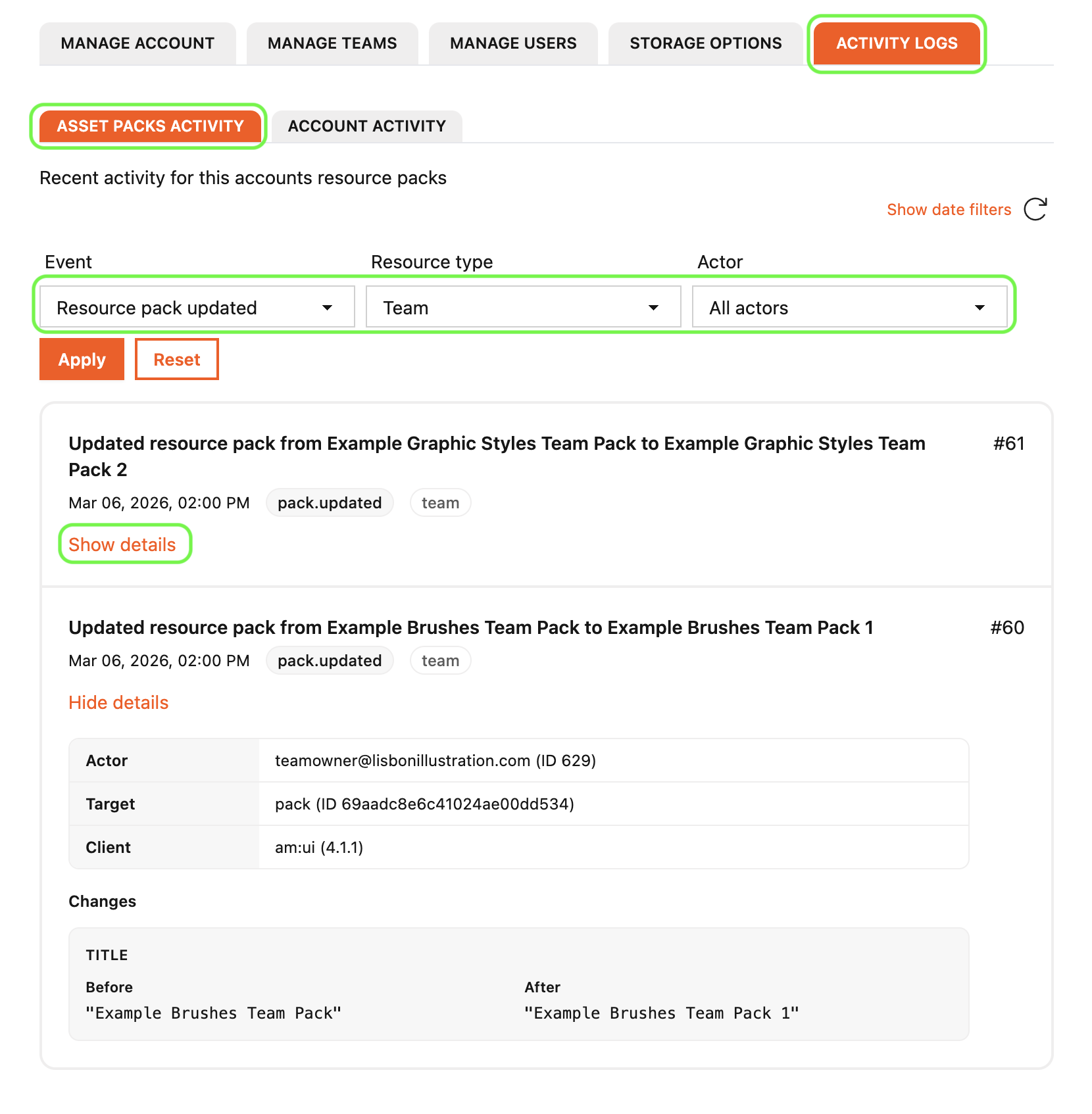
You can also click the Show date filters button to filter by date.
You can view All events for Asset packs activity, or you can select just one event and click Apply to select that event.
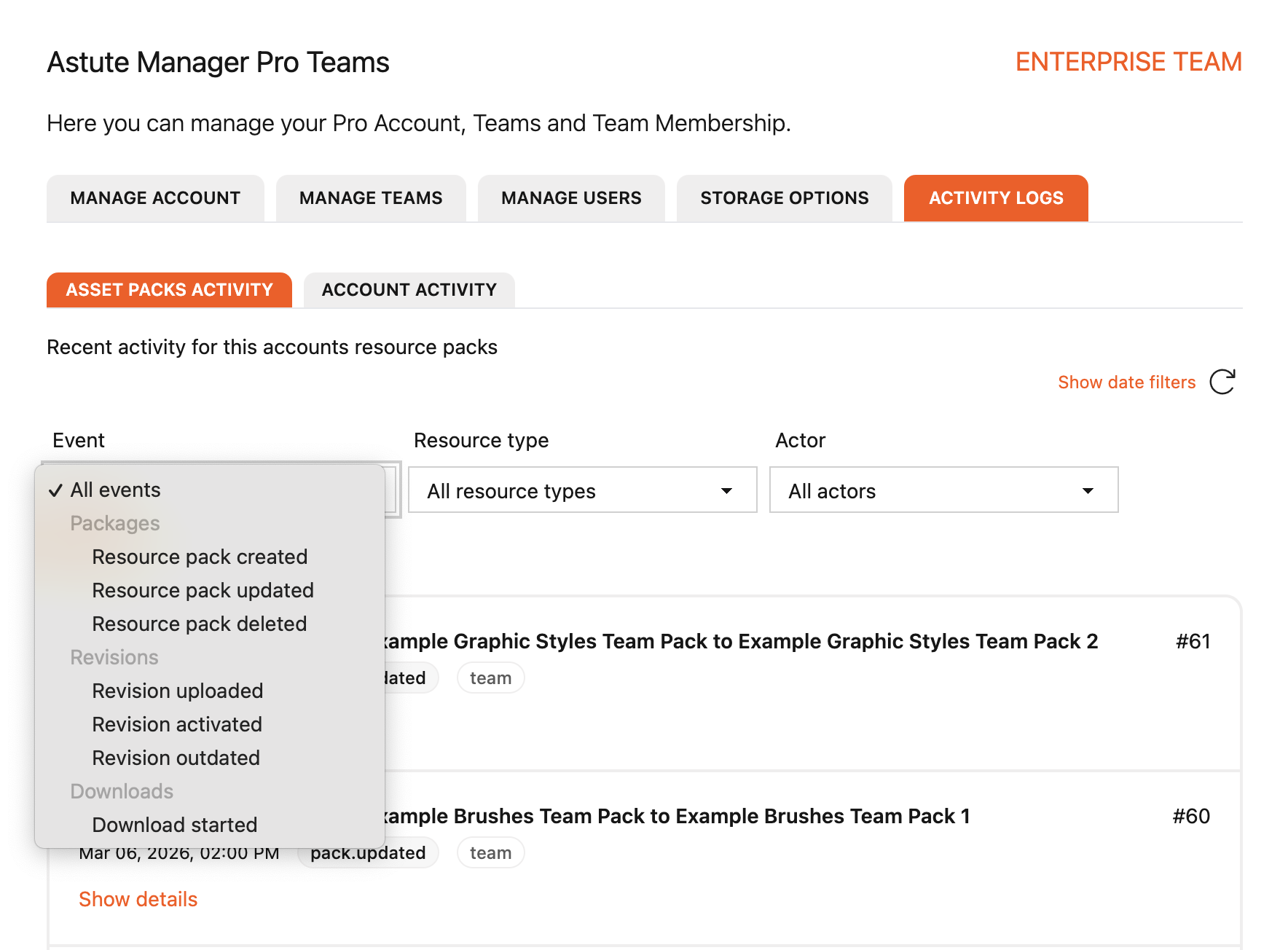
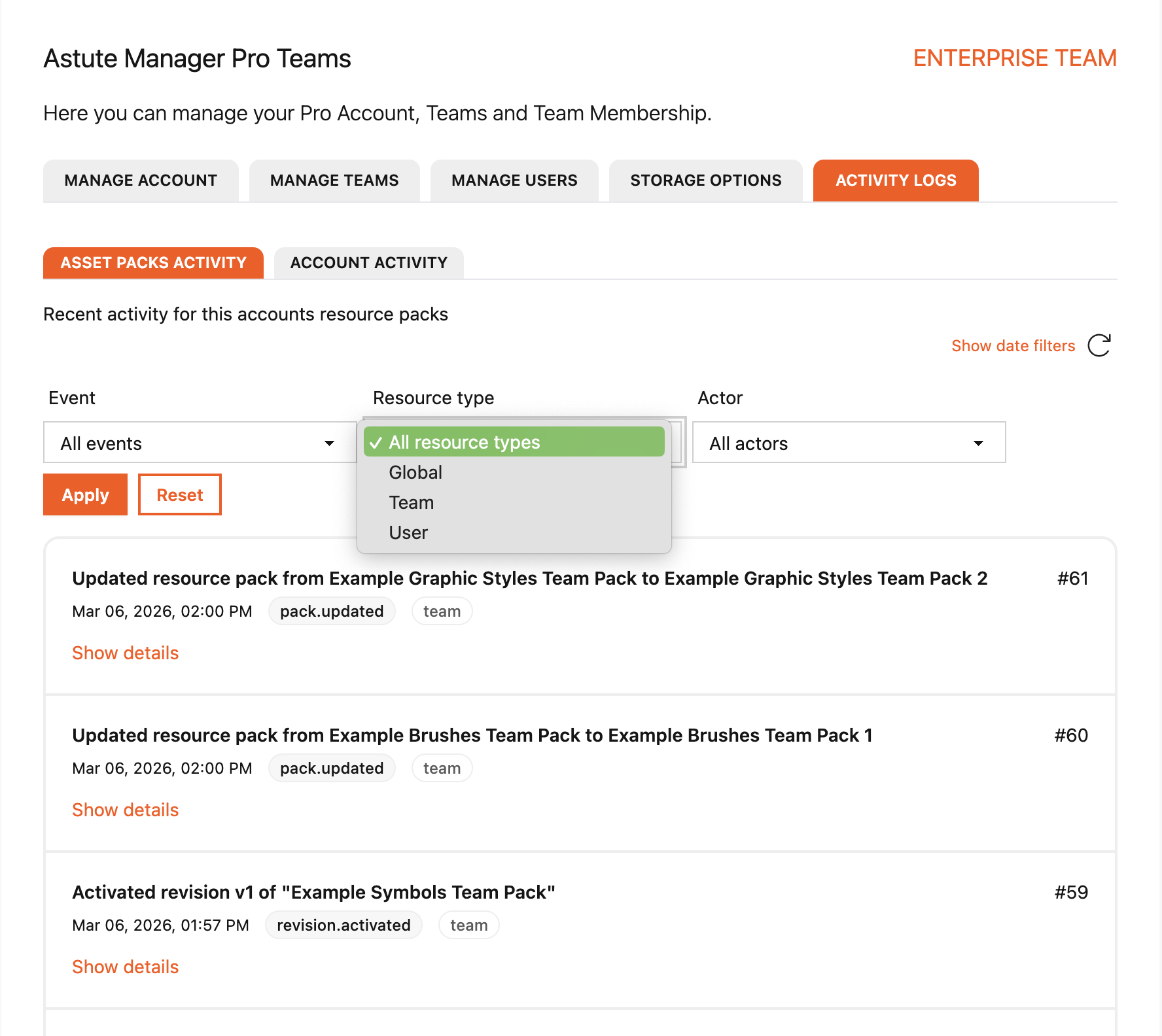
You can do the same for Resource types, choosing to view activity for all resource types, or selecting just one (e.g. Team) and clicking Apply to select that resource type.
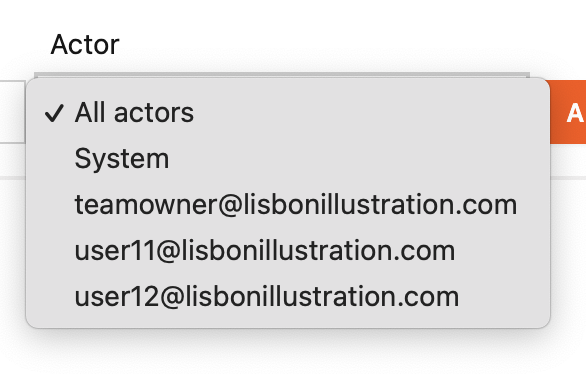
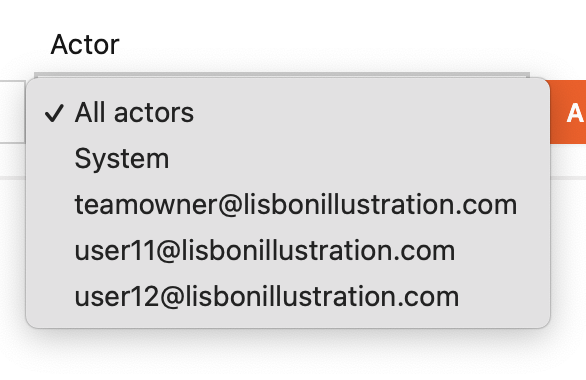
You can also filter the asset pack activity by Actor, choosing to view activity by one or by all actors.
The filter options are the same for Account activity.
Opt to view All events, or select just one and click Apply to select that event.
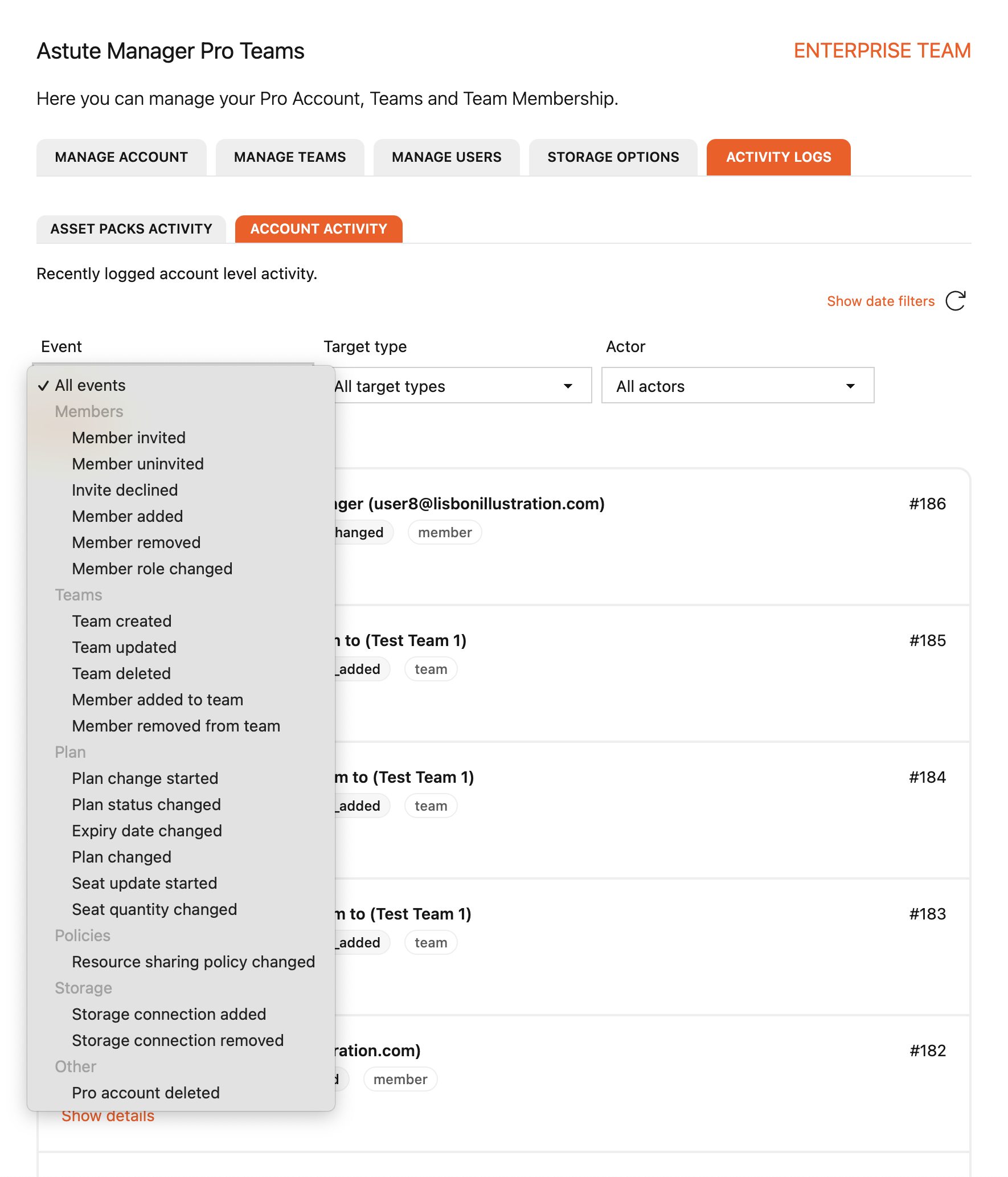
View all Target types, or choose to view just one type such as Plan.
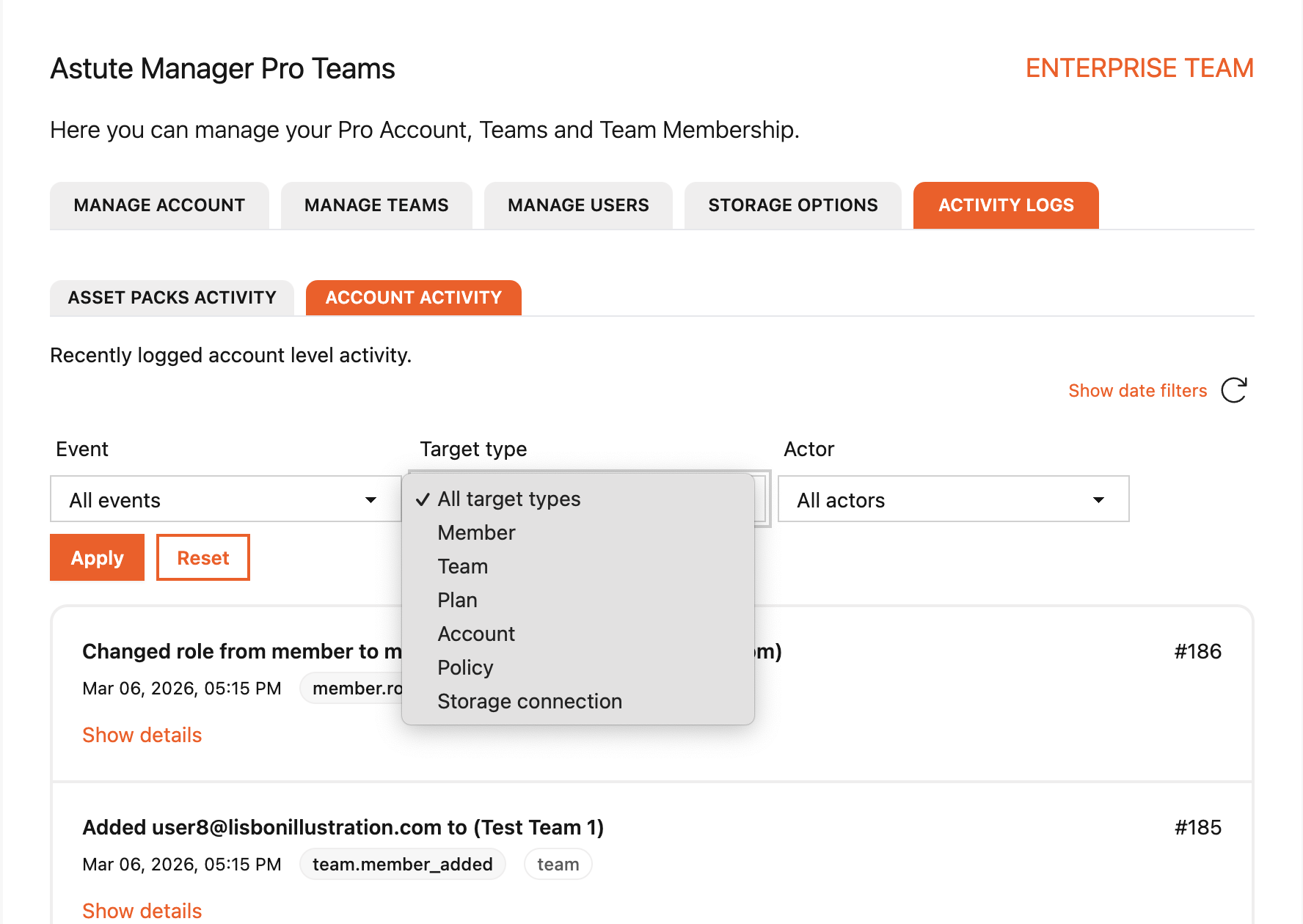
And finally, choose to view Account activity by all actors or by just one.
Only Team Owners of AM Pro Enterprise Team accounts can view the activity log. None of the information can be seen my Team members.
Read the blog on AM Pro Activity logging to find out more.